Creating a home office that feels both cozy and productive can dramatically improve your work-from-home experience. A well-designed workspace helps keep distractions at bay, supports focus, and makes your day more enjoyable. Whether you have a dedicated room or a small corner, these tips will guide you in crafting an environment that works for you.
Choose the Right Location
Find a Quiet Spot
Start by selecting a quiet area in your home, away from heavy foot traffic and noisy appliances. This ensures fewer interruptions and allows you to concentrate better.
Consider Natural Light
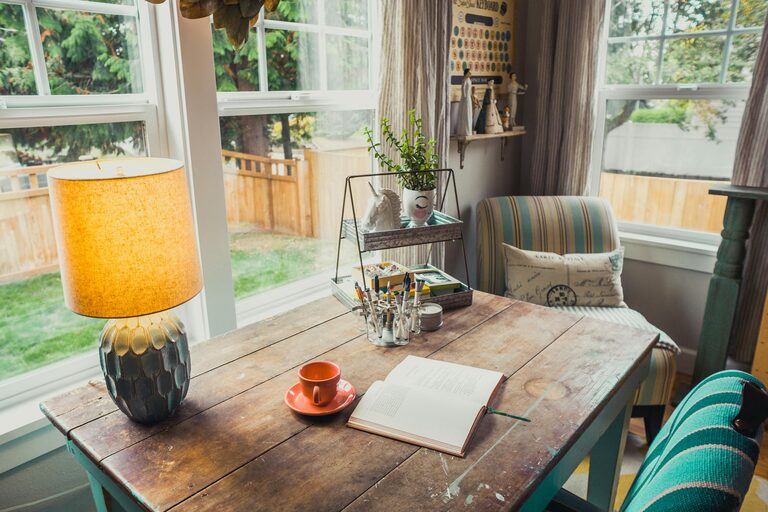
Position your desk near a window if possible. Natural light boosts mood and energy levels, reducing eye strain compared to harsh artificial lighting.
Invest in Comfortable Furniture
Ergonomic Chair
An ergonomic chair supports your posture, reducing back and neck pain. Look for adjustable features including seat height, backrest angle, and lumbar support.
Suitable Desk
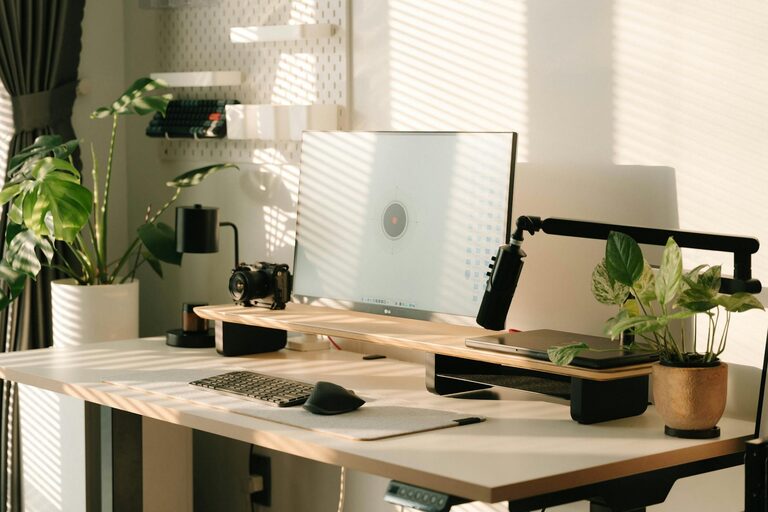
Pick a desk that fits your space and work needs. There are standing desks if you prefer switching between sitting and standing during the day, which can improve circulation.
Personalize Your Space
Add Cozy Elements
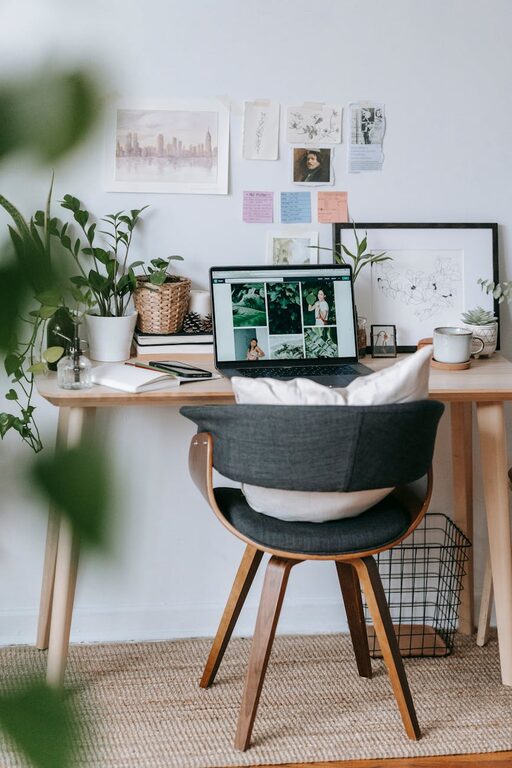
Introduce soft textiles like a throw blanket, cushioned seat pad, or area rug to make your space inviting.
Decorate Thoughtfully
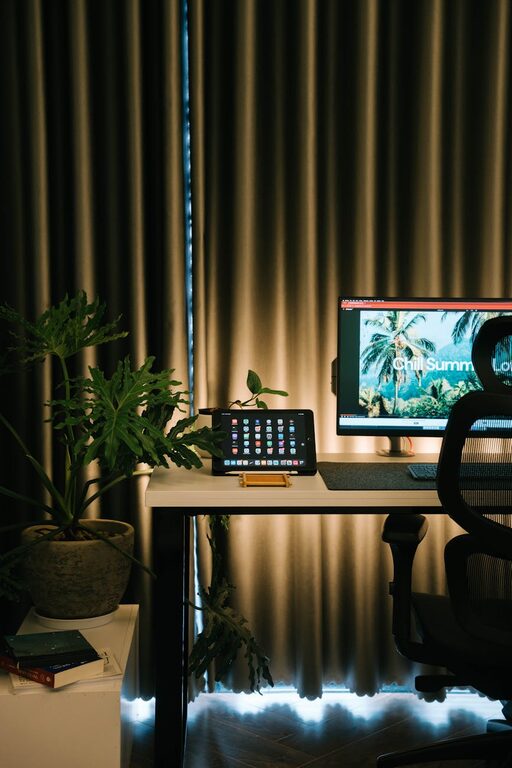
Incorporate plants, artwork, or items that inspire you. Plants can improve air quality and add calming greenery, while personal touches keep your workspace pleasant.
Organize Efficiently
Declutter Regularly
Keep your desk surface clean and clear of unnecessary items. A tidy workspace helps reduce stress and distractions.
Use Storage Solutions
Utilize shelves, drawers, and organizers to store supplies. Label containers for easy access and maintain order.
Optimize Lighting
Layer Your Lighting
Combine natural light with task lighting like a desk lamp. Adjustable lighting prevents eye strain during late work sessions.
Reduce Glare
Position screens to avoid glare from windows or lights. Anti-glare screen protectors can also be helpful.
Manage Technology
Use Quality Equipment
Ensure your computer, keyboard, and mouse are reliable and comfortable to use. Consider accessories like a second monitor to increase productivity.
Keep Cables Tidy
Use cable organizers or clips to prevent cords from tangling. A neat setup improves safety and aesthetics.
Set Boundaries
Define Work Hours
Establish clear work start and end times to separate professional and personal life, which helps maintain balance.
Communicate with Household Members
Let others know your schedule to minimize interruptions during important tasks or meetings.
Incorporate Break Zones
Create a Relaxation Corner
If space allows, set up a small area with a comfy chair or cushion for short breaks. Changing your environment for a few minutes can boost creativity and focus.
Practice Movement
Include space for stretches or light exercise. Movement breaks refresh your mind and body.
Maintain Air Quality
Ventilation
Keep your home office well-ventilated to ensure fresh air circulation. Open windows or use air purifiers if necessary.
Control Temperature
Use fans or heaters to maintain a comfortable temperature throughout the year.
Final Thoughts
Designing a cozy and productive home office doesn’t require a large budget or a lot of space. Small changes like improving lighting, organizing your desk, and adding personal touches can make a significant difference. The key is to create an area that supports your work tasks while making you feel comfortable and motivated. Start with a few adjustments today and enjoy a more pleasant and efficient work-from-home experience.
About the Author